
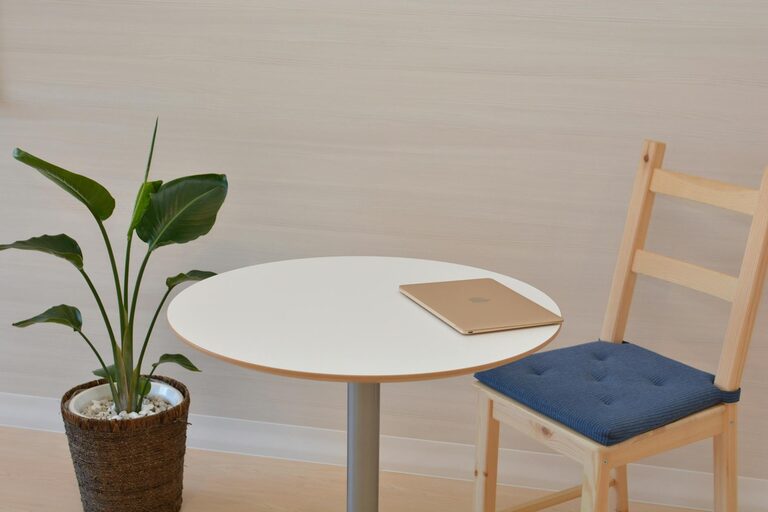
Creating a comfortable and inspiring workspace doesn’t have to take hours or require major changes. In fact, a quick refresh can breathe new life into your work environment and help you feel more motivated and focused. Whether you work from home or a traditional office, spending just ten minutes on your workspace can make a noticeable difference. In this post, we’ll guide you through easy, practical steps to refresh your workspace fast.
Why Refresh Your Workspace?
A cluttered or uninspiring workspace can impact your productivity and mood. On the other hand, a tidy and pleasant environment encourages focus, creativity, and efficiency. Even a small change, like rearranging your desk or adding a touch of greenery, can uplift your workday.
Quick Workspace Refresh in 10 Minutes: Step-by-Step
1. Clear the Surface (2 minutes)
Start by quickly clearing your desk surface. Remove any unnecessary items such as empty coffee cups, old papers, or random objects that don’t belong. Having a clear space helps reduce distractions.
Tips:
– Keep only essential items on your desk, such as your computer, a notebook, and a pen.
– Use a small tray or box to collect miscellaneous items temporarily.
2. Organize Your Essentials (2 minutes)
Next, organize the things you use daily. Arrange your keyboard, mouse, phone, and stationery neatly.
Tips:
– Group similar items together.
– Place frequently used items within arm’s reach.
– Consider using desk organizers or small containers to keep things tidy.
3. Add a Fresh Element (1-2 minutes)
Bring some freshness to your workspace. A small plant, a photo frame, or an inspiring quote can make the space more welcoming.
Tips:
– Choose a low-maintenance plant like a succulent or air plant.
– Swap out old decorations for something new or seasonal.
4. Wipe Down Surfaces (2 minutes)
Use a microfiber cloth and a gentle cleaner to wipe down your desk, keyboard, and screen. Cleaning can brighten your space and is a great way to eliminate germs.
Tips:
– Be careful with electronic devices—use appropriate screen wipes.
– Don’t forget your chair’s armrests and the area around your mouse.
5. Adjust Lighting and Screen Setup (1-2 minutes)
Good lighting reduces eye strain and improves mood. Check your workspace lighting and make quick adjustments.
Tips:
– Open curtains or blinds to let in natural light.
– Adjust your monitor’s brightness and height for comfort.
– Consider adding a small desk lamp if needed.
6. Take a Brief Mental Pause (1 minute)
After your quick cleaning session, take a moment to breathe deeply and set a positive intention for your work ahead. A refreshed mental state complements your refreshed physical space.
Bonus Tips for Maintaining a Fresh Workspace
– Weekly Mini-Refresh: Spend ten minutes each week on a quick tidy-up to maintain your refreshed space.
– Digital Declutter: Don’t forget your computer desktop; organize files and close unused tabs regularly.
– Personalize Thoughtfully: Limit personal items so they enhance rather than distract.
Final Thoughts
Refreshing your workspace doesn’t require a big overhaul or extra time in your day. With just ten minutes and a little focus, you can create a clean, organized, and inspiring environment. This quick refresh can boost your productivity and make work feel more enjoyable. Try incorporating these steps into your routine, and notice the positive changes in your workflow.
Your workday deserves a space that feels good to be in—refresh it today in just ten minutes!